
READING & WRITING
I’ll be honest — animation and motion design are brand new to me. In my role as an Assistant Director of Marketing and Communications at an independent school, I do a lot of video, photography, and graphic design work, but no animation. As of writing this post, I am in my first week of ICM 504: Motion Across Media in my graduate program at Quinnipiac University and already, I can see there is a lot to learn about this creative area.
Most importantly, organization and planning are essential to the creative process. This week, we were assigned several readings from Liz Blazer’s Animated Storytelling which focused heavily on the pre-production process. I did not realize how much planning goes into creating animations.
First, there’s the concept development stage. This involves developing a creative brief or what I know as a communications plan. You need to identify the essential information that is going to make this project come together, such as what are the client’s goals, what’s the target audience, and what are the milestone deadlines? After that, it’s all about brainstorming. This includes generating ideas on paper about the topic and zeroing in on the tone and objectives of the animation.
One recommendation that struck me — and reminded me of my days in journalism — is to develop an elevator pitch. We’ve all heard of this; if you had the length of an elevator ride to pitch an idea to the CEO of a company, how can you share that briefly and quickly, while getting your point across? This process helps refine the idea.
Then there’s the previsualization stage. This is all about the look and feel of the piece, which in my experience, can take a lot of time to develop. One way to start the process is to observe other people’s work. I struggled with this concept for a long time, because I want everything that I do to be original, but it still can be! There is no shame in taking ideas and inspiration from other artists.
Finally, there is the asset-building stage. This is a critical piece of the planning process because without it, you don’t know what you need to make your work come to life.
RESEARCH TO INFORM
Before I created anything, I set out on a quest to find some inspiration. Here’s a look at the GIFs that I found really interesting.
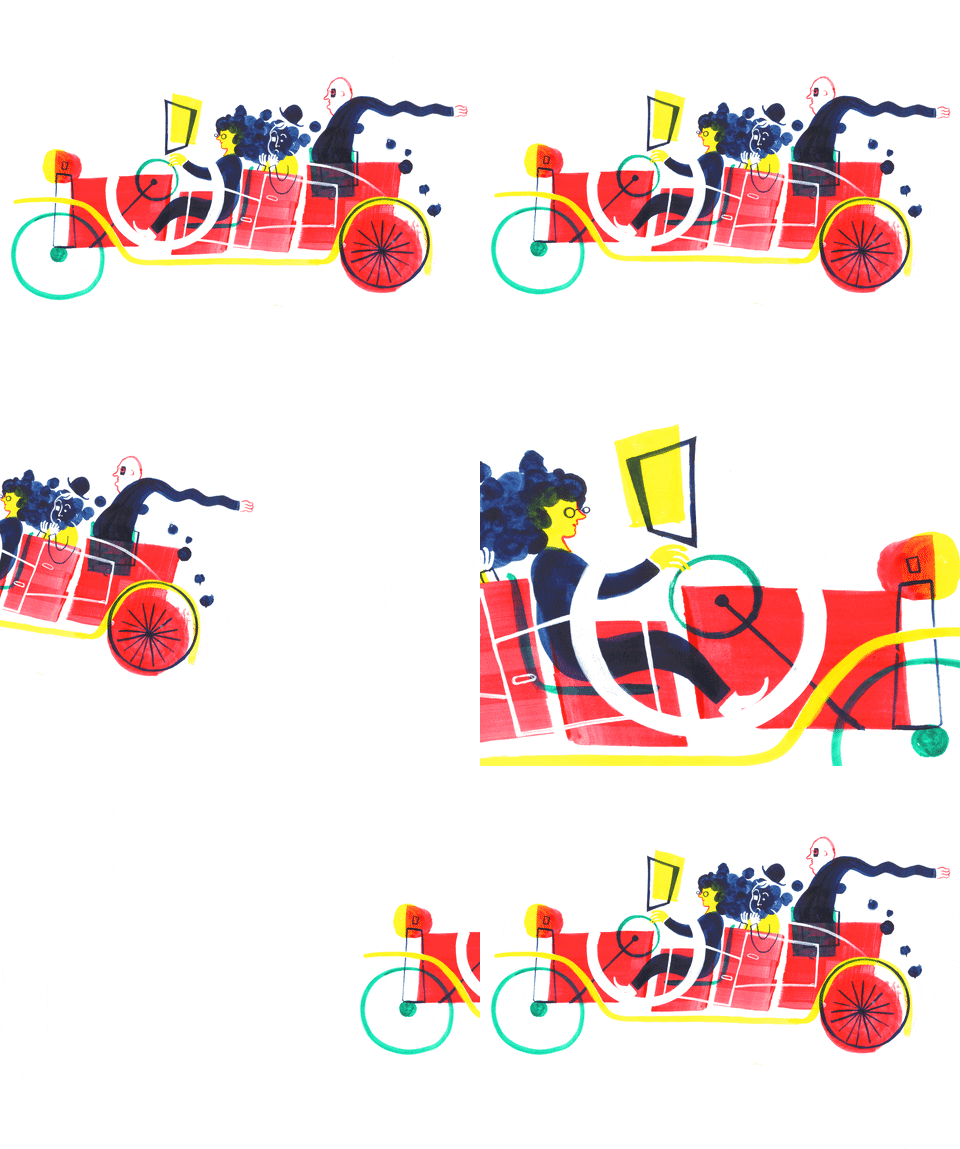
This one caught my attention for several reasons. It moves so quickly, which is stimulating, and I also love the directional movement. The car leaves the frame entirely and then reappears.
This GIF has a bunch of moving parts, which makes it impressive! I like how there is movement in every frame; from the sun pulsing to the rotation of the rays, and then once the sun sets the stars appear and start radiating. The background changes to a new color and gradient, but I think my favorite element is the eyeballs in the text that close once the sun sets.
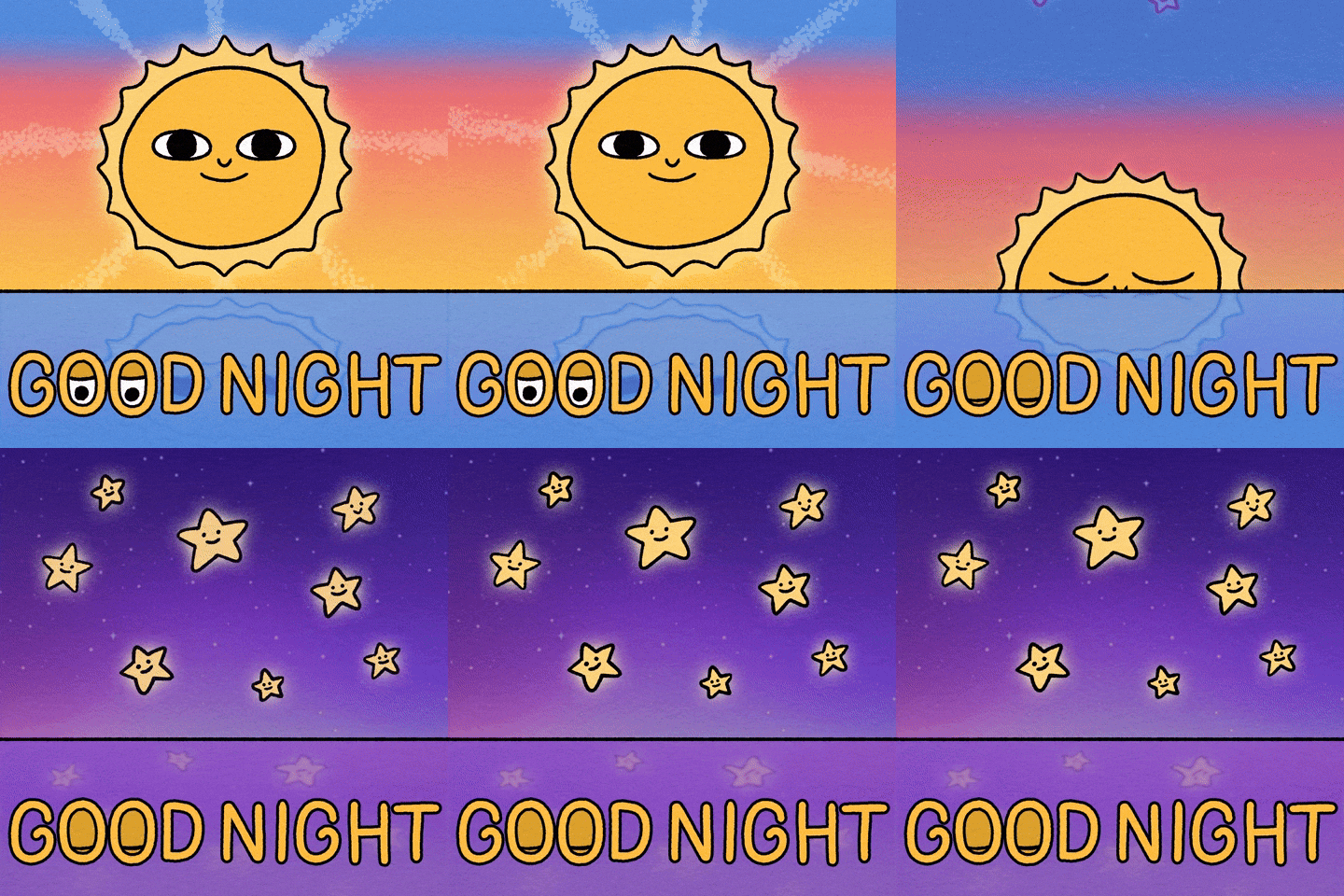

Although GIFs are very brief, they can be utilized in so many ways and I think this one is a perfect example. This GIF is part of a series that is used for childhood education. When I saw this one it actually opened my eyes to the versatility of GIFs.
This one might seem silly, but I really liked two elements of this design: 1. The movement and 2. The color scheme. I love how the movement is so simple, yet effective. The bird bouncing back and forth is also a nice touch! As for colors, the navy background paired with the sea foam green color for the alligator is very striking.
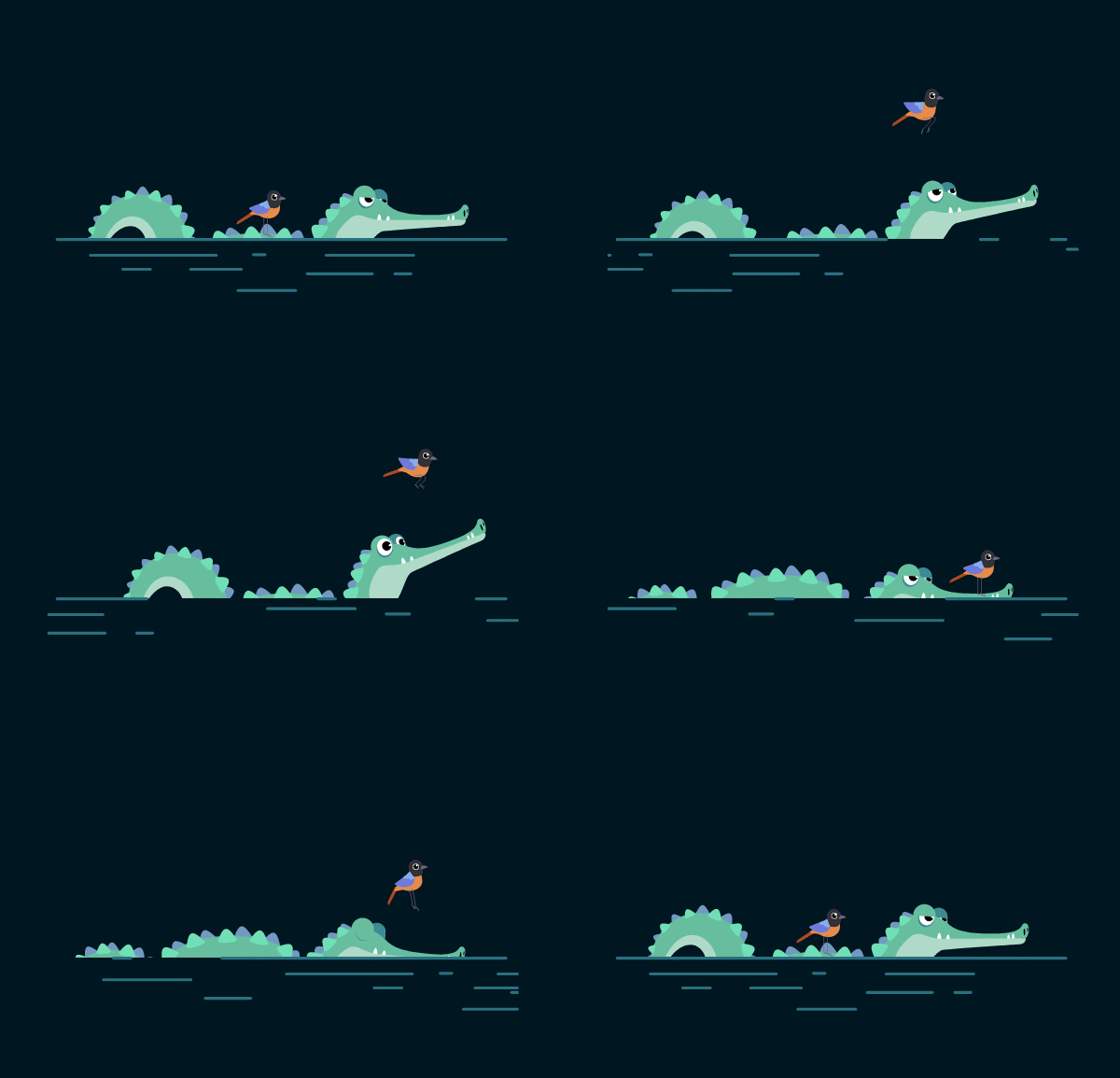

As a creative professional, I focus a lot on emotion and how a visual piece makes me feel. Even if the reaction is a simple “awww,” I want something that will make me stop to view it. This is a great example of that. It is so simple but it definitely gives a little serotonin boost!
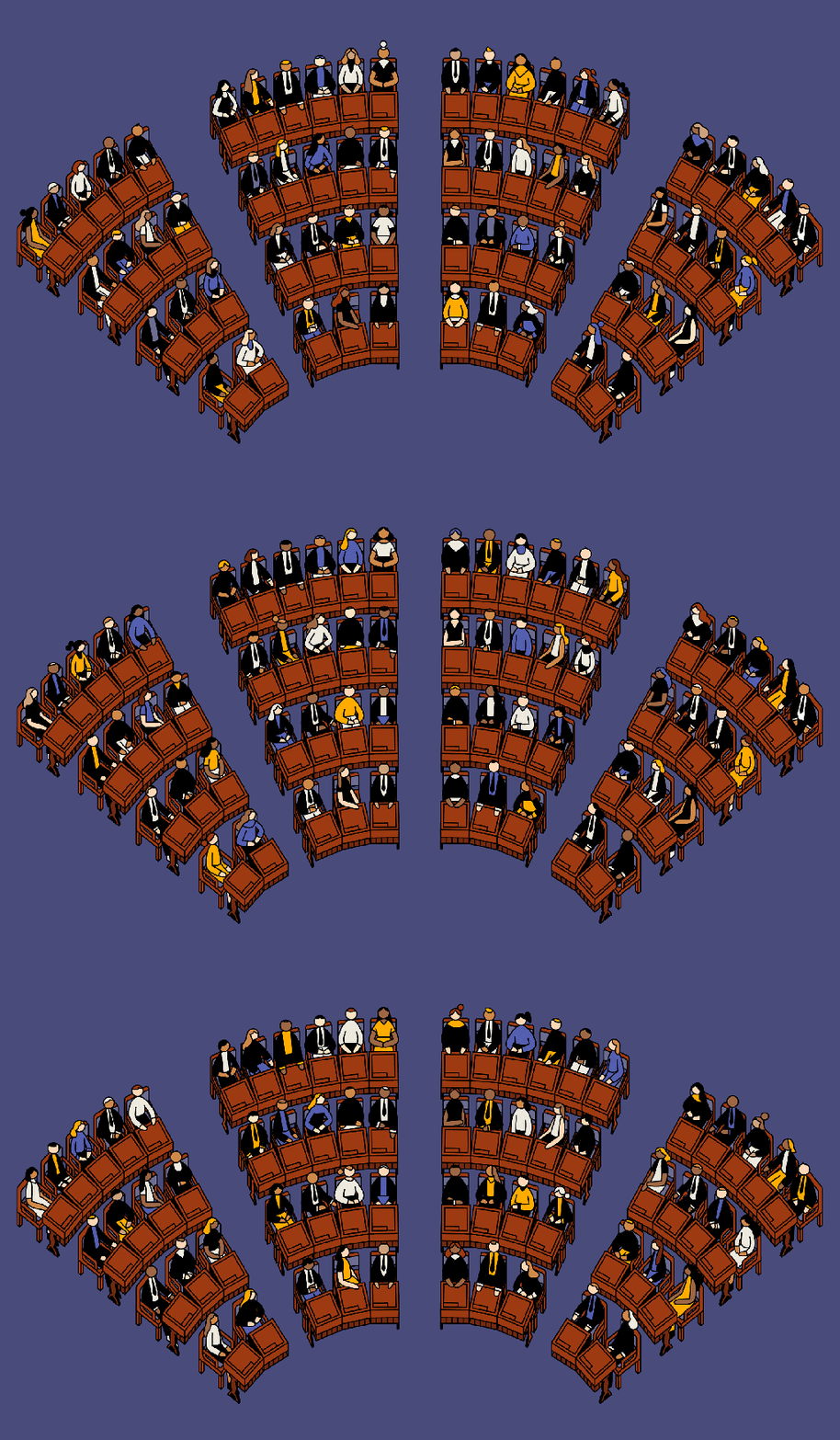
Until recently, I thought GIFs were primarily used on social media as a form of humor. When I saw this, I started to realize how GIFs can be used to enhance multimedia work. Again, this is a very simple design but it illustrates a very in-depth and relevant look at politics in America.
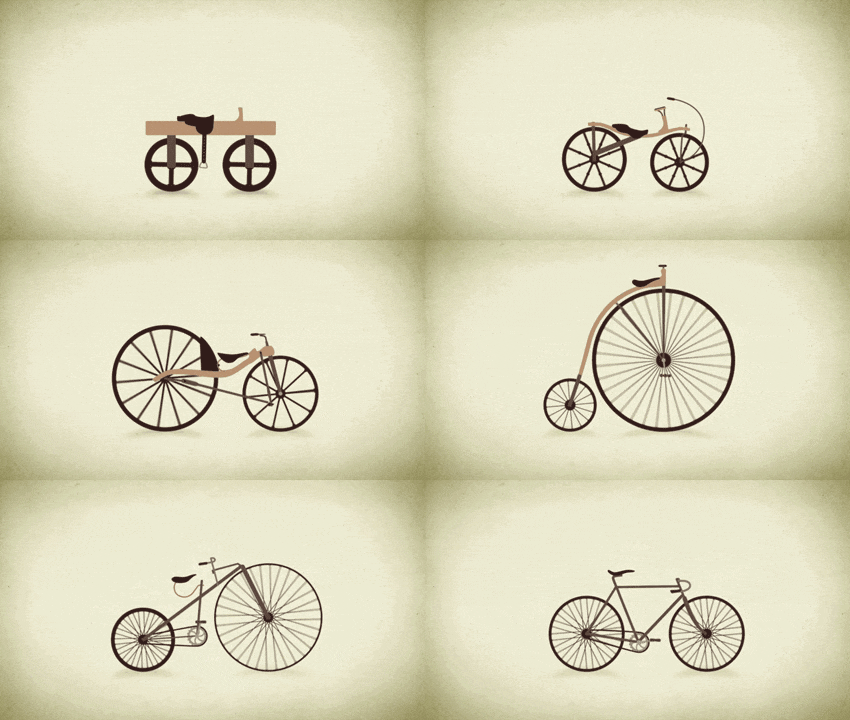
I am a big history lover — so for this one I went to GIFY.com and typed in ‘history.’ This GIF caught my attention immediately. I think this is a really unique way to show the progression of something in just a few frames. It is definitely giving me ideas for more advanced projects!
CREATE
#1: “Cut-Out GIF in Photoshop”
Now that I know what I like, I can start to create my own GIFs! Easier said than done. This was my first attempt at any kind of animation. The original photo shows the golden retriever with one eye open and one eye closed. I cut out the open eye using the rectangle marquee tool in Photoshop and pasted it on the closed eye to create the version of the dog with both eyes open. I did that again, but this time with both eyes closed.
I think this is an appropriate animation because this feels like a regular behavior from dogs! They always find a way to make their eyes extra big and when they’re relaxed they open their eyes every time they hear a noise.

#2: Hand-Drawn Animation
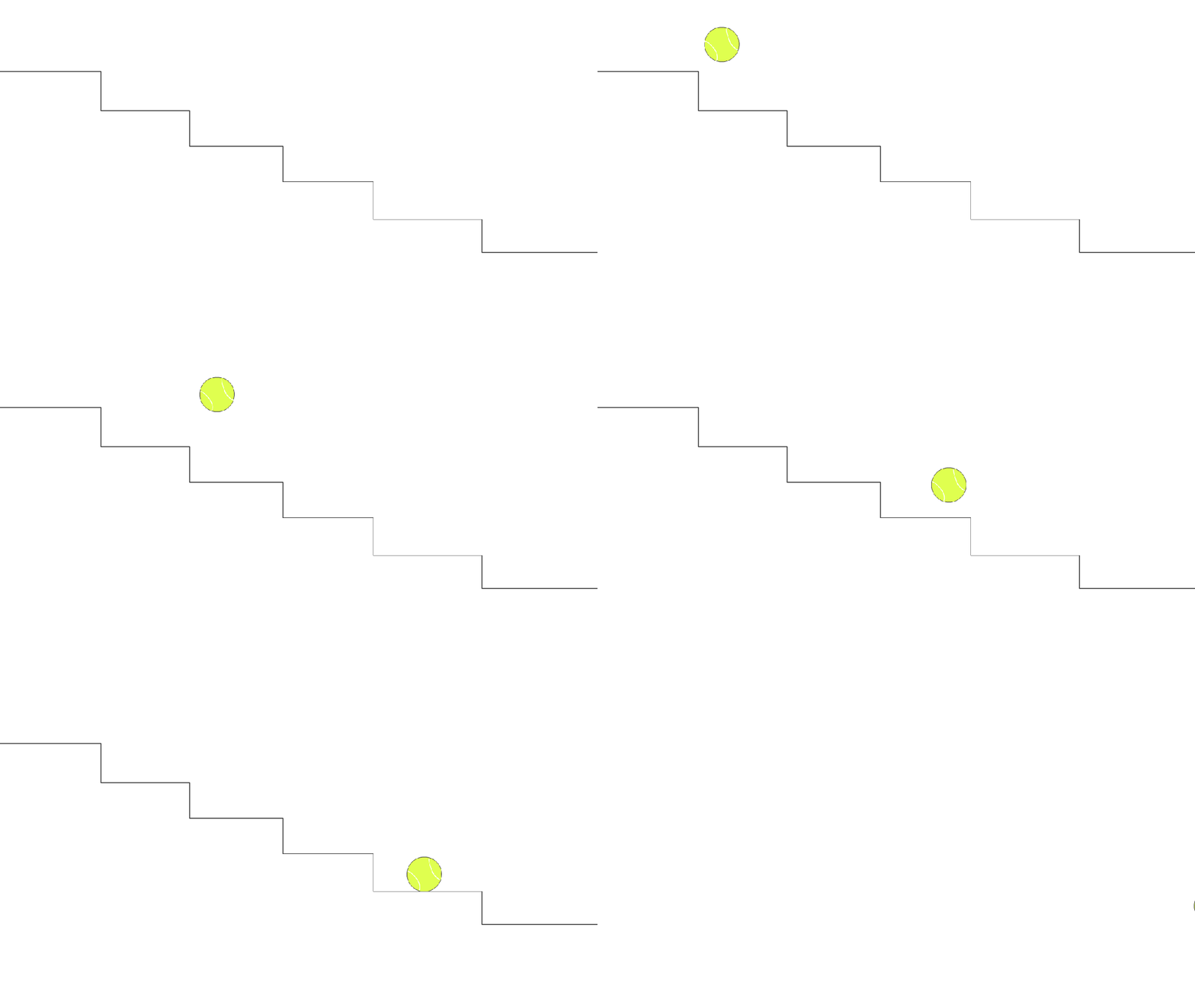
For the next animation I was required to draw something, by hand, and then use Photoshop or Animate to animate it. When I started on the assignment, I got a little ahead of myself. I was trying to create something more elaborate (cloud with lightning and rain moving in and out of the frame). I realized I needed to start more basic, so I created a scene that is pretty common in my house; my dog’s tennis ball rolling and bouncing down the stairs.
To do this, I used Adobe Animate. I created two symbols. The first was the stairs which I created using the line tool. The second, was the tennis ball and I used the oval tool to create this. I added some white lines to the tennis ball using the paint tool and then I was ready to animate. I created two layers on my timeline – one for the stairs and one for the ball. To animate the ball I used a new keyframe every time the ball got to a new step. Sometimes, I included an additional keyframe to show when it was in the air. On the last two steps, I played with the ease and rotate tools to put a little spin on the ball.
#3: Animation of Choice

After mastering the ball rolling down the stairs, I wanted to kick things up a notch. Our professor shared a tutorial of an animated camp scene, which sparked the idea for this scene. Once again, my dog’s tennis ball (and now my dog himself) are featured. I returned to Adobe Animate and created many different symbols: sun, grass, sky, clouds, ball, and four different versions of my dog, Crosby.
When I was done animating I had 10 layers. I started with the clouds, because that was the easiest piece to animate. I used tweening to make them slide into the frame gradually. Then I added the version of Crosby sitting with his tail down. A couple of frames later I replaced it with the version with his tail up and then back to the down position. Once the ball rolls over to him, I switched to the profile version of Crosby. Then I added the standing version and used tweening on him and the ball to show them both exiting the frame.
 Allison Lucas