
READING & WRITING
You’ve planned and you’ve planned and you’ve planned. So now what? Now it’s time to animate! But don’t get too excited. Just because you have planned thoroughly, does not mean that everything will go the way you want. In Liz Blazer’s Animated Storytelling, she emphasizes that all hell can break loose in this stage.
The first thing you want to do is build a production calendar and always work backwards. I do this a lot in my video production work. I set the due date first and then track pre-production, production, and post-production steps. Blazer even suggests creating incentives for yourself to make sure you stick to those deadlines.
When it comes to the actual production stage, it can be overwhelming. I cannot tell you how many times I have delayed starting a project because of the workload. It’s hard to know where to start, but the good news is you don’t need to work in a linear fashion. You can start anywhere! Blazer suggests starting with the low-hanging fruit or the easiest sections first and then working towards the most complex sections.
Movement is also an important part of the editing process. This can mean the characters’ movements – establishing realistic choreography that aligns with the laws of gravity – and establishing interesting shots. For instance, you wouldn’t want all wide shots. Varying the shot (i.e. close-ups, medium shots, wide shots) gives your piece movement. You can also play with the lens focus to add a little more variation.
Finally, you need to think about the sound. Even if you have a great soundtrack lined up in pre-production things can change during production. You need to be flexible and willing to make tweaks based on any changes during production.
RESEARCH TO INFORM
Let’s take a look at some UI animations that I found inspiring this week, for ICM 504.
Cursor Effect
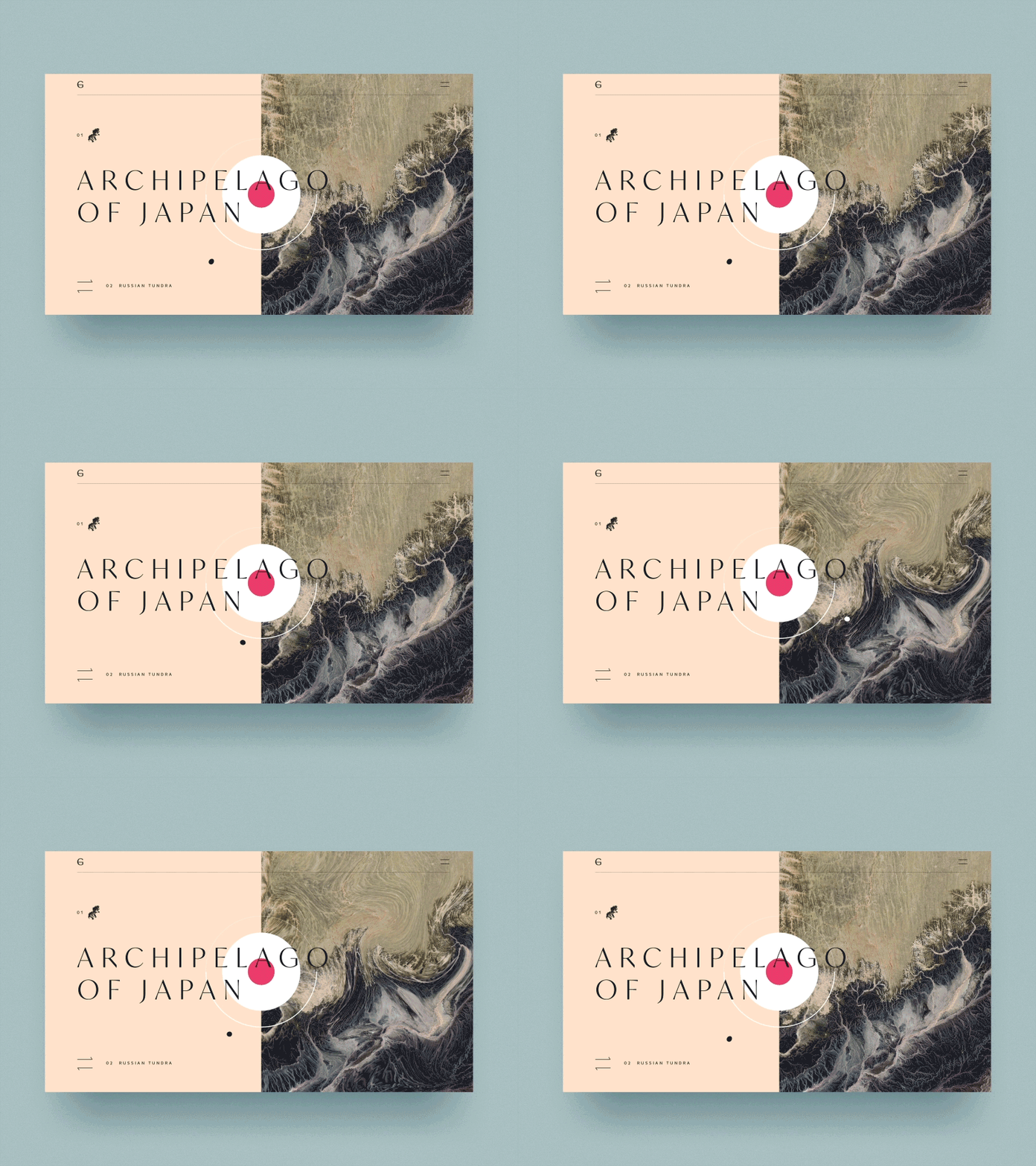
My personal taste when it comes to UI is simple. It’s not because I’m not tech-savvy; it’s mostly because I think too much animation can really bog down a website. I love that when the cursor hovers over the zoomed in globe, it moves slightly. It keeps the site engaging and interactive without being jenky.
404 Error Page

We’ve all landed on a page like this before. The infamous 404 Error page. Usually when this appears, users feel instantly annoyed but I think Airbnb does a great job of diffusing this irritation with this fun and whimsical animation.
Menu Button
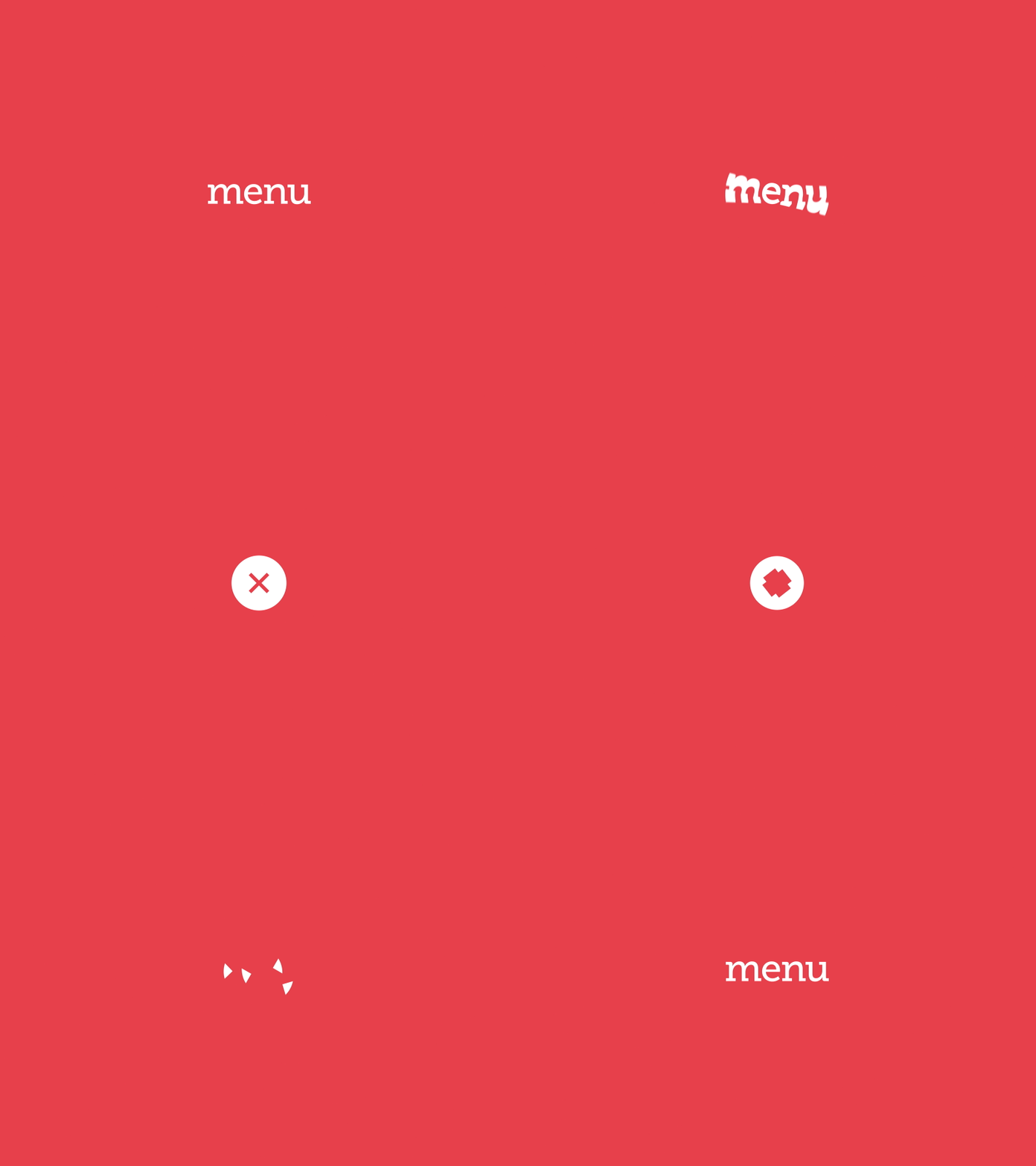
I don’t know why but I find this menu button so relaxing to watch. Although I think it is verging on a little too much animation it flows so seamlessly from one position to the next.
Menu Button 2

When I was researching UI animations, this one came up and it is supposed to resemble a ninja. I like this it is simple and realistic. The movement really does reflect a ninja!
Menu Button 3
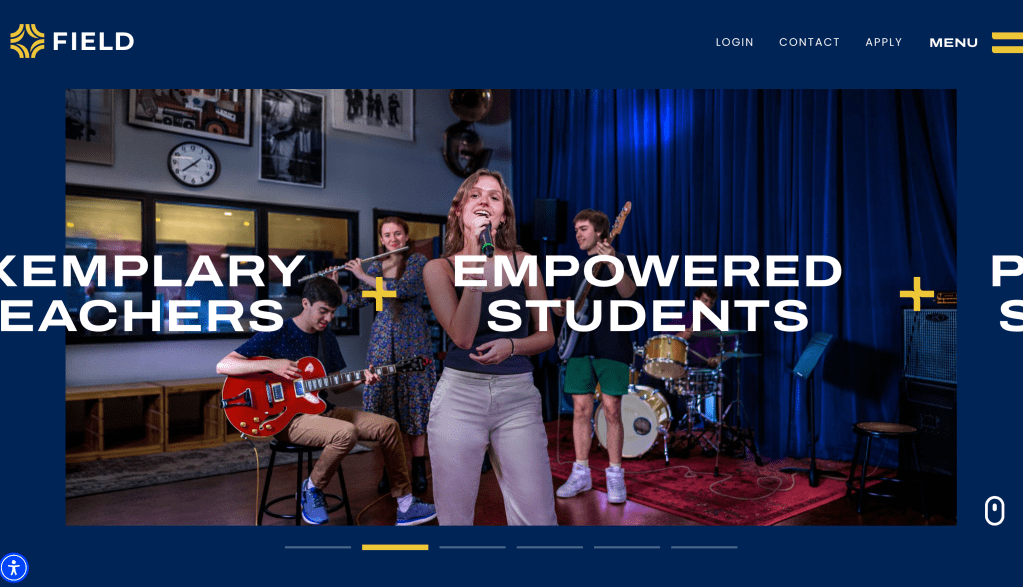
Last year, the school where I work went through a re-branding, including developing a new website. While I was not involved in the design itself, I worked with a firm in the UK to create this new site. I think there are a lot of cool UI elements — but I especially like our menu bar and how it transforms into an X when you click on it.
Hover
This one is a lot visually — but it’s unique! I like that when you hover the ‘Buy Now’ button the smiley face appears. I think it’s actually a great marketing technique because the smiley gives you a feeling of warmth and comfort which would make someone want to buy a product.
CREATE
This week was by far the most difficult for me. Although I really like After Effects, and have had very few issues when I have used it in previous modules, I found this assignment so challenging.
My original idea was to create a luggage tag that transformed into a search bar for a travel app, but despite watching several tutorials on morphing things in After Effects, I could not get it to work properly.
I transitioned to something a little simpler – this animated interface for a dog rescue app. I’ll be honest, this was not easy to animate. I feel like I was drowning in keyframes! The first thing I did was create the dog paw print. In the first version, I just used regular circles but it didn’t look very realistic – so I shifted to something with ovals and added some shading to give it more depth.
The most difficult part to animate was the sliding “more search results” bar. Originally, I didn’t have this at all but I felt like the animation seemed empty without this additional asset. I tried to make it look like the cards are being swiped by adding some pauses after each movement and ‘easy ease in.’ I’m not sure it ended up quite how I wanted, but this was as close as I could get to that movement.
One positive takeaway from this week, is that I learned A LOT more about After Effects, including how to mask objects! In Illustrator, I know how to use clipping masks but there’s a similar effect in After Effects called ‘track matte.’ That is how I got the dog faces inside the circles.
WORKS CITED
Blazer, L. (2020). Animated storytelling: Simple steps for creating Animation & Motion Graphics. Peachpit Press.
 Allison Lucas